

Process automation for companies of 50 to 2,000 people

Scale your enterprise without scaling headcount.

We connect the systems you already pay for and automate the work your team does between them.

Leave the bar empty and press Enter to ask the question shown. Examples: I need a CRM connected to our systems; Can you connect SAP with our web shop?; How do we stop copying data between Excel files?; What would automating our order intake cost?; Which of our processes should we automate first?

5.0Google reviews

Bespoke One Coworker. AI assistant. Answers in seconds, estimate in three minutes.

Connects to

Valued by innovative companies and startups throughout Europe and worldwide

From global brands to young startups: teams we have built software, AI and engineering capacity for.

  • Zovi

The cost of manual

What manual work costs.

What manual data work costs a year, from published research. Every figure is sourced and dated.

€24,700

a year per employee: what manual data entry costs US companies

Parseur and QuestionPro survey: $28,500, at the ECB rate of 29 July 2025. As of July 2025

400+ h

a year per employee moving data from emails, PDFs and spreadsheets into systems

Parseur and QuestionPro survey: 9+ hours a week across 46 working weeks. As of July 2025

77 days

a year spent closing the books at the median company; the top quarter needs under 58

APQC benchmark via CFO.com: 12 monthly closes of 6.4 calendar days (top quarter 4.8). As of March 2018

What automation could save you, per year.

Set your own team and hours. The yearly figure updates as you go.

Your team, your numbers

Your estimate, per year

€111,800

back in your budget every year

Hours back a year
2,484
Full-time roles freed up
1.4

Your own estimate, not a quote. 46 working weeks a year; the 9 hours a week default is the Parseur and QuestionPro 2025 survey figure for manual data work.

How it's built

Five layers. Nothing you can't see into.

Every automation we ship is built the same way, from your data up. Each layer is documented and tested, so the system never depends on one person, us included.

  1. Data

    Your systems of record stay the source of truth. We connect through their APIs, database views or scheduled exports, in whatever form they offer.

    Typically

  2. Integration

    Connectors and one shared data model, so a customer or an invoice is one record everywhere. Every field mapping is signed off by the person who owns the process.

    TypicallyREST and SOAP APIs, SFTP drops, EDI, webhooks

  3. Orchestration

    The process itself, written as code: rules, approvals, deadlines and retries. When a case doesn't fit the rules, it goes to a named person with the reason attached.

    TypicallyA workflow engine, queues and scheduled jobs, versioned like the rest of your code

  4. Interface

    Where your people meet the system: an approval in Teams, a review queue for exceptions, a dashboard for the team lead. No new tool to learn where an existing one will do.

    Typically

    Or a small internal web app where no existing tool fits.

  5. Monitoring

    Every run is logged and every failure raises an alert. A weekly report shows volume and exceptions, so you can see what the system did and why.

    TypicallyRun logs, alerts to your on-call channel, a weekly email report

What we automate

Which of these sounds like your week?

Open one to see what we'd build and the systems it usually touches.

Accounts payable

Someone types every invoice into the ERP.

Invoices are read as they arrive, matched to the purchase order and posted to your ERP, DATEV or Lexware. Only the ones that don't match reach a person, with the reason attached.

Typical systems

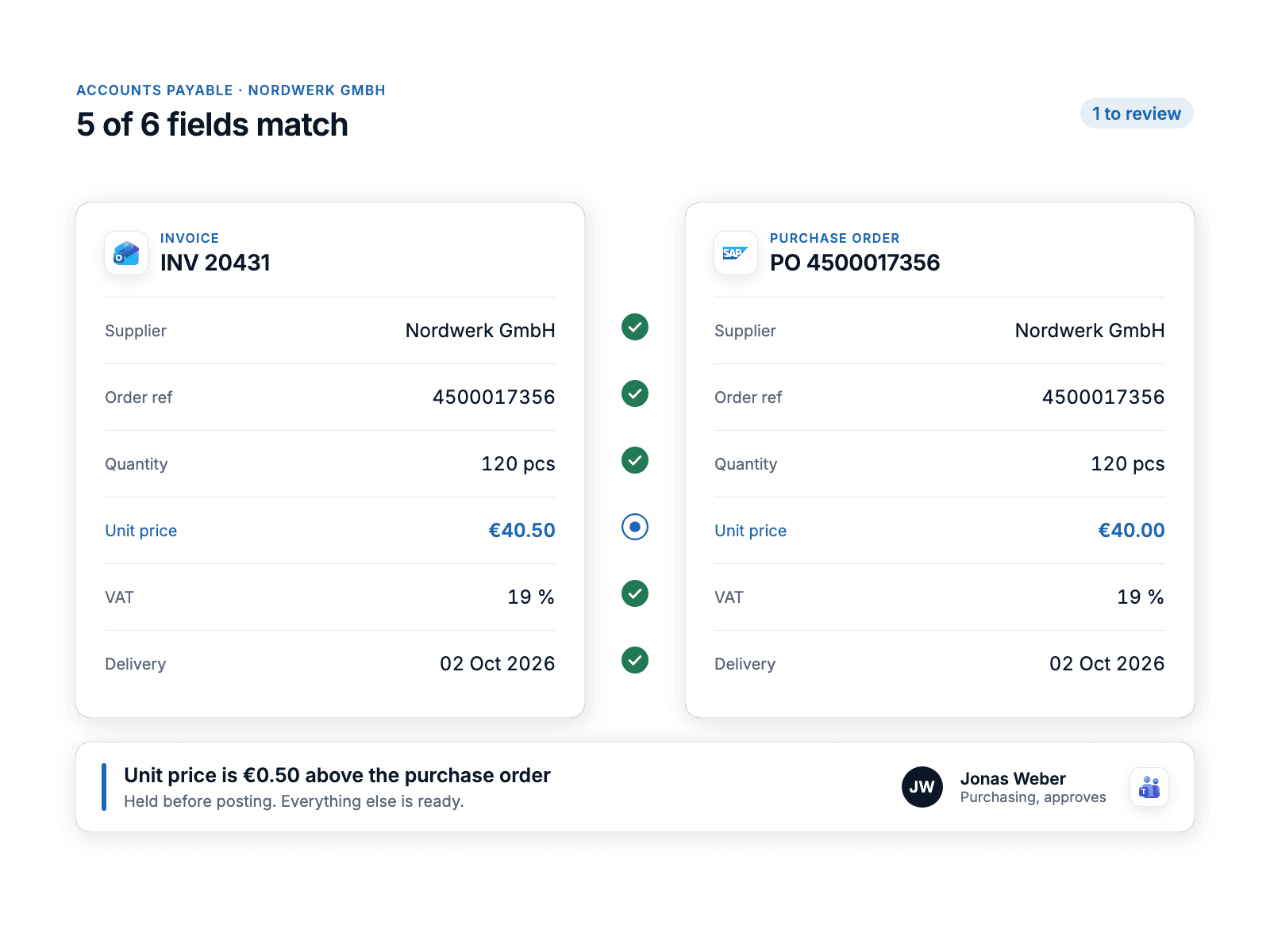
Matched invoices post themselves.

An incoming invoice from a supplier beside its purchase order in SAP, five fields ticked as matching and the unit price flagged for a named approver in Microsoft Teams.
Finance

Month-end close takes a week.

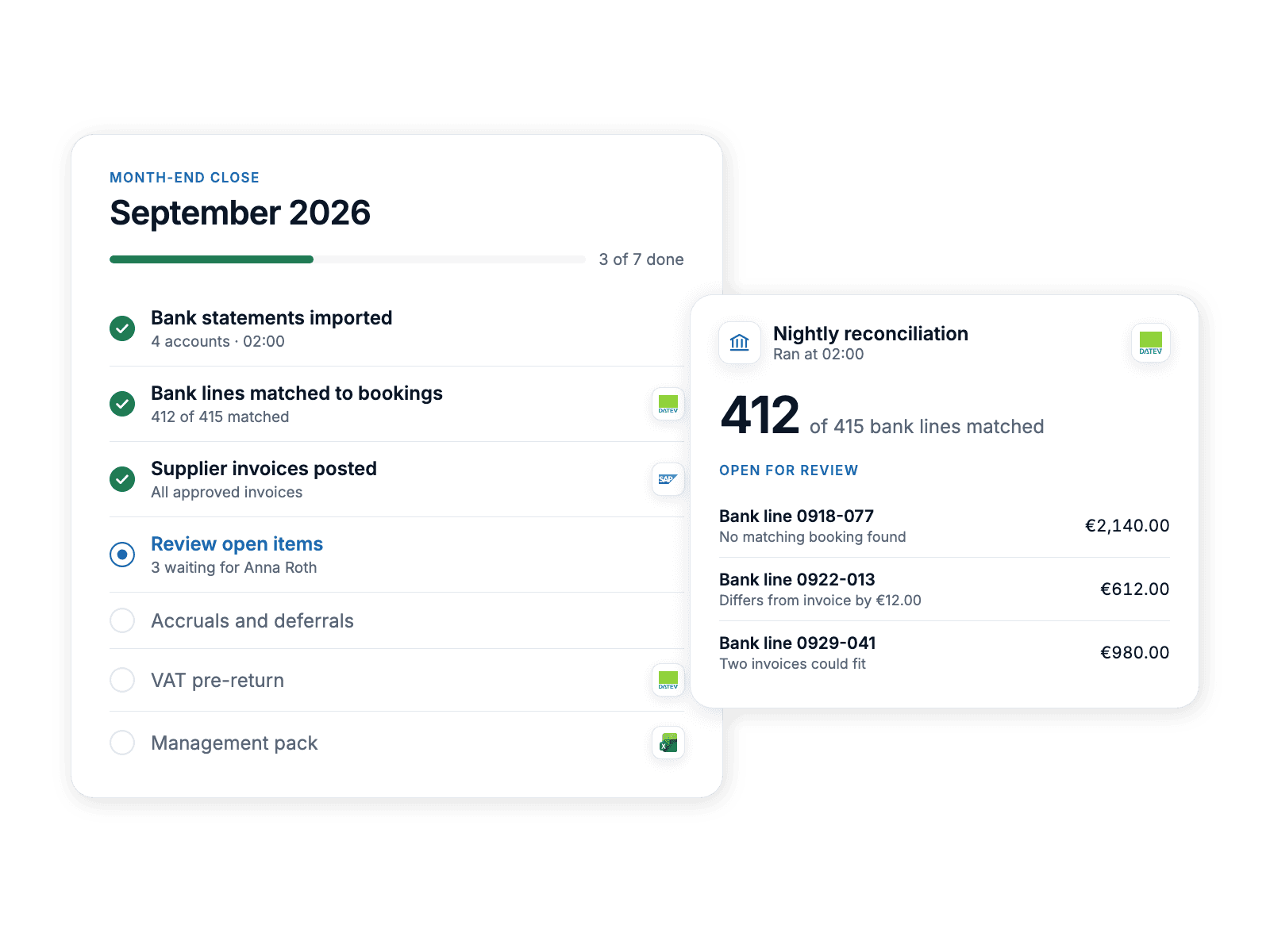
Reconciliation runs every night instead of once a month. Bank statements arrive through EBICS or FinTS, lines are matched to bookings and open items are flagged on one close checklist. Finance starts the month-end with the exceptions only.

Typical systems

The close starts with the exceptions.

A month-end close checklist after the nightly bank reconciliation: most bank lines matched to bookings and three open items waiting for review.
Sales and finance

Sales and finance quote different numbers.

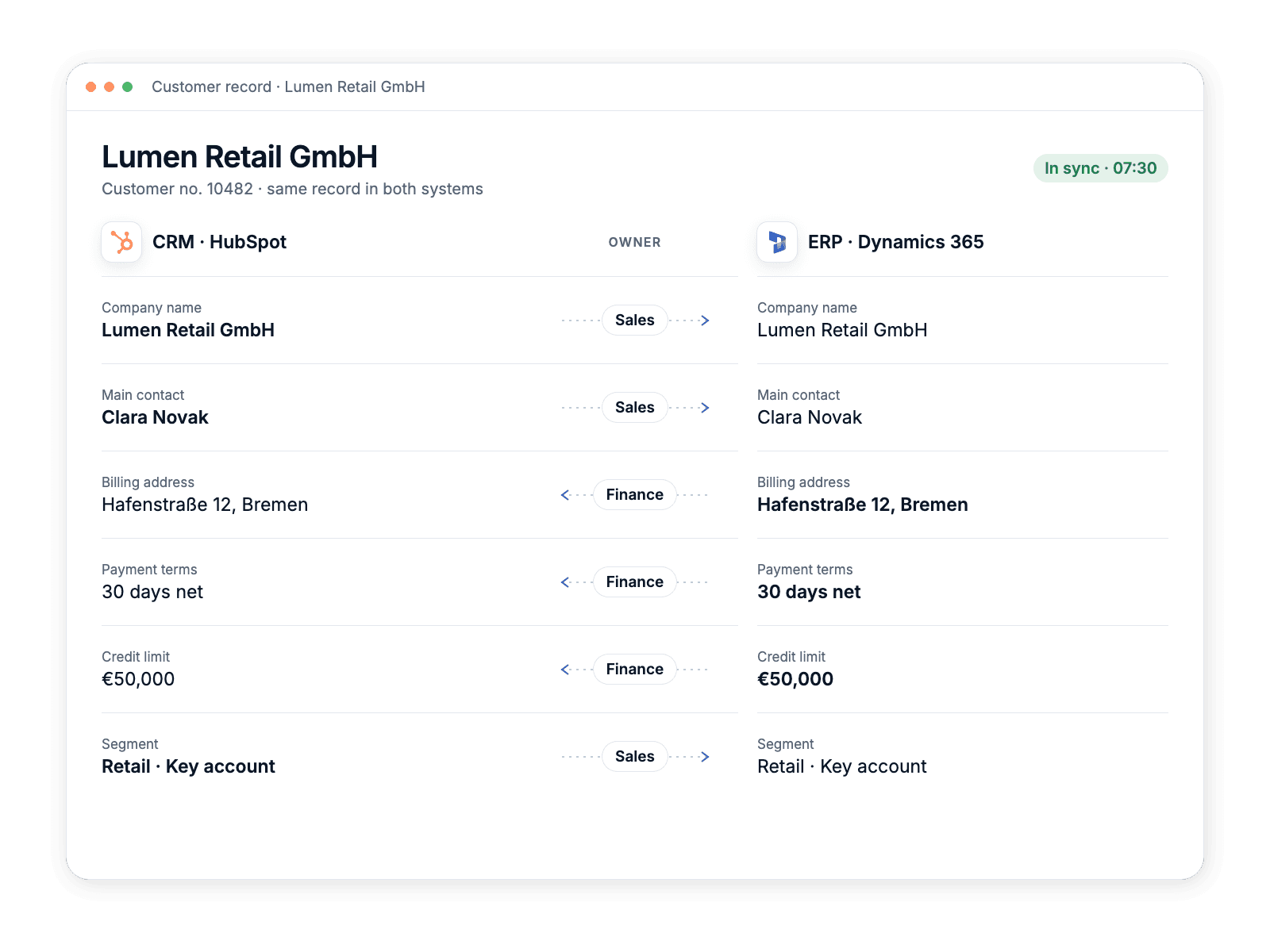
One shared data model between CRM and ERP, kept in sync both ways, with a named owner for every field. When a deal closes in the CRM, the customer, the order and the invoice exist in the ERP minutes later.

Typical systems

Sales and finance read the same record.

One customer shown in the CRM and the ERP side by side, each synced field aligned with the team that owns it and the direction it syncs.
Operations

Approvals live in someone's inbox.

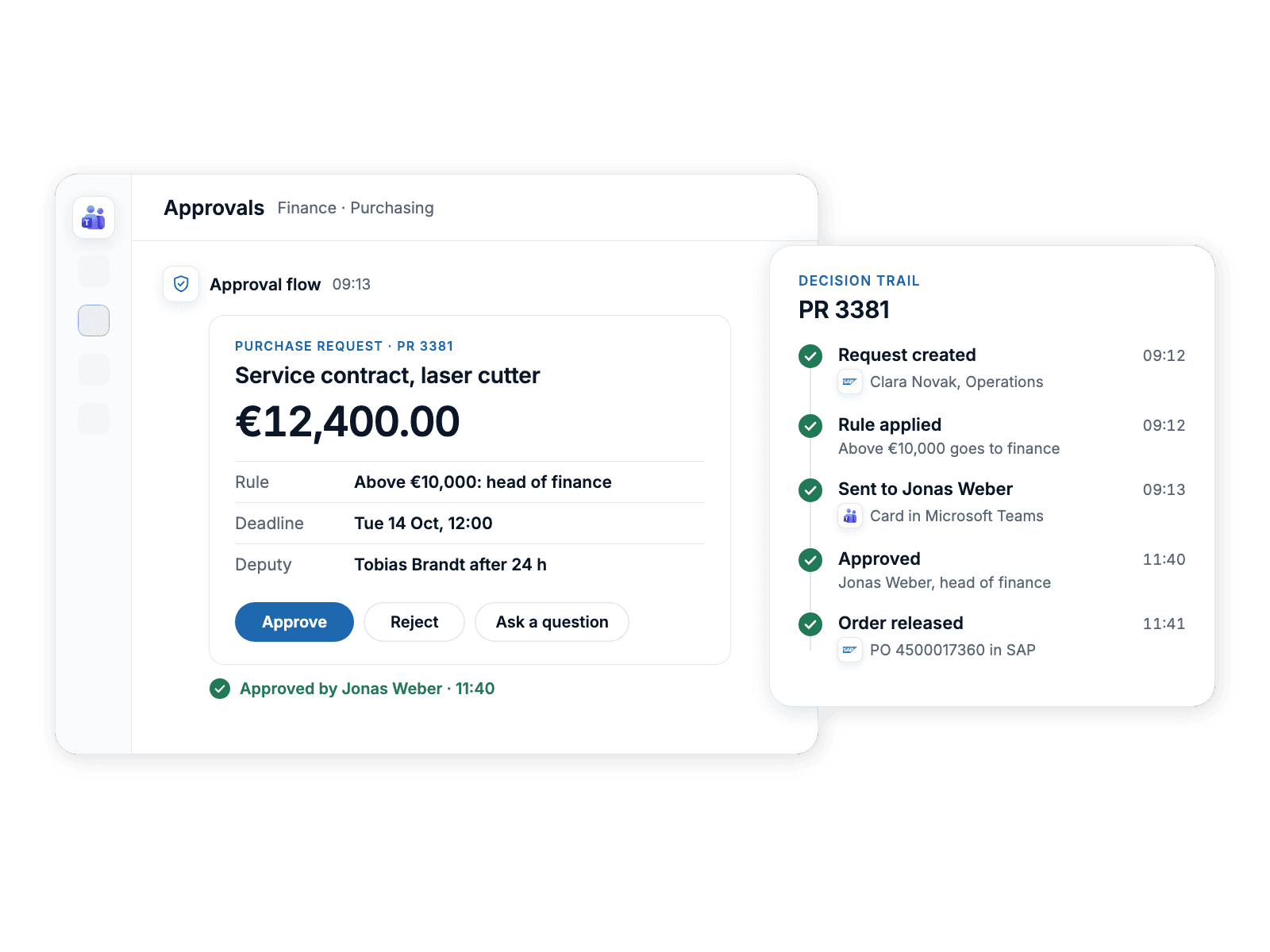
Approval flows with rules, deadlines and a deputy when someone is away, inside Teams, Slack or Outlook. Every decision is logged with who made it, when and why.

Typical systems

Approved where your people already work.

A purchase approval card in Microsoft Teams showing amount, rule, deadline and deputy, with the logged decision trail beside it.
IT and HR

New starters wait days for their accounts.

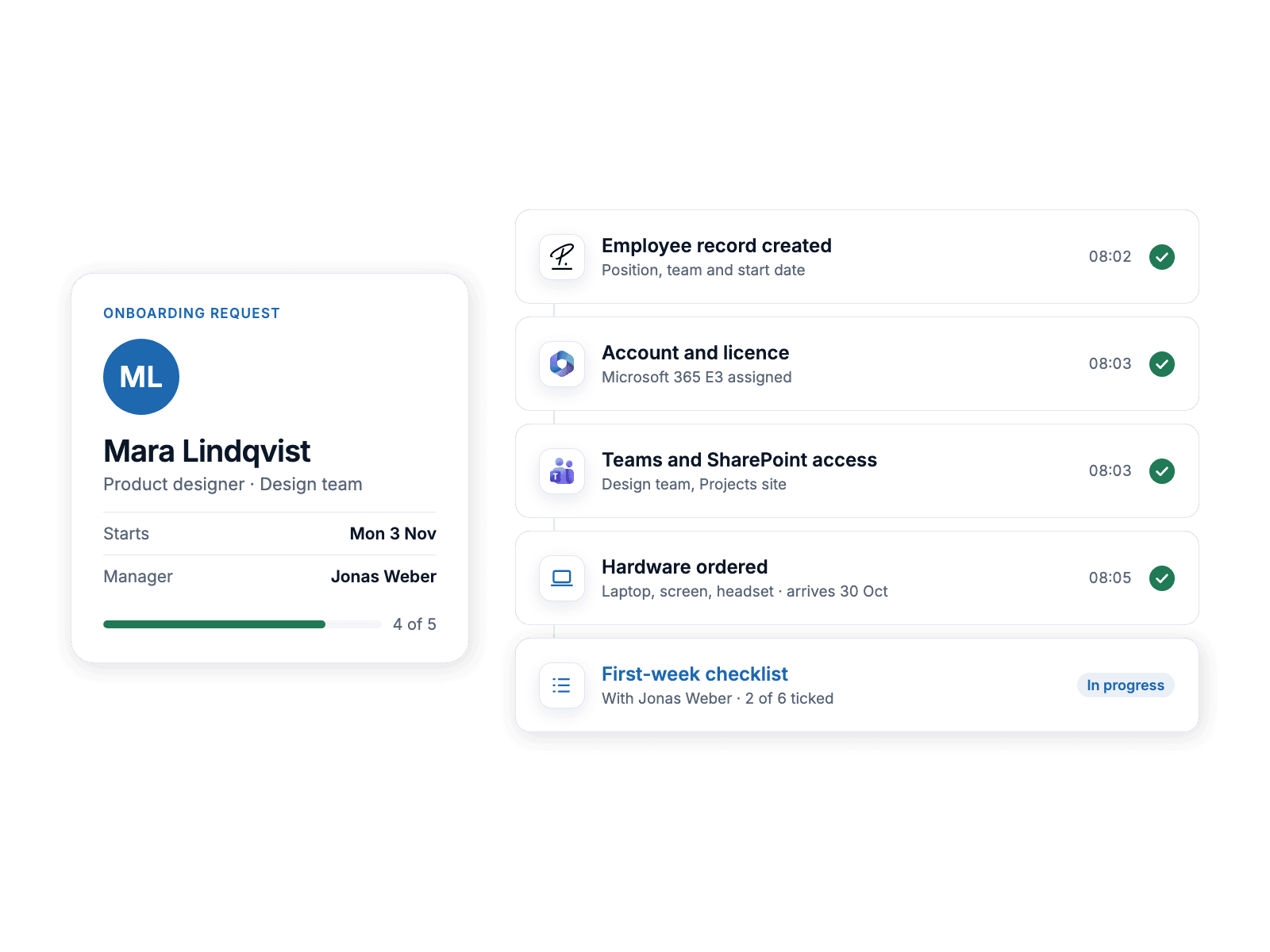
One onboarding request creates the accounts in Microsoft Entra ID or Google Workspace, the licences, the hardware order and the first-week checklist, and confirms each step. Leavers are switched off the same way, on their last day.

Typical systems

Accounts ready on the first morning.

One onboarding request for a new starter with its steps confirmed one by one: Personio record, Microsoft 365 account and licence, Teams and SharePoint access, hardware order and the first-week checklist.
Reporting

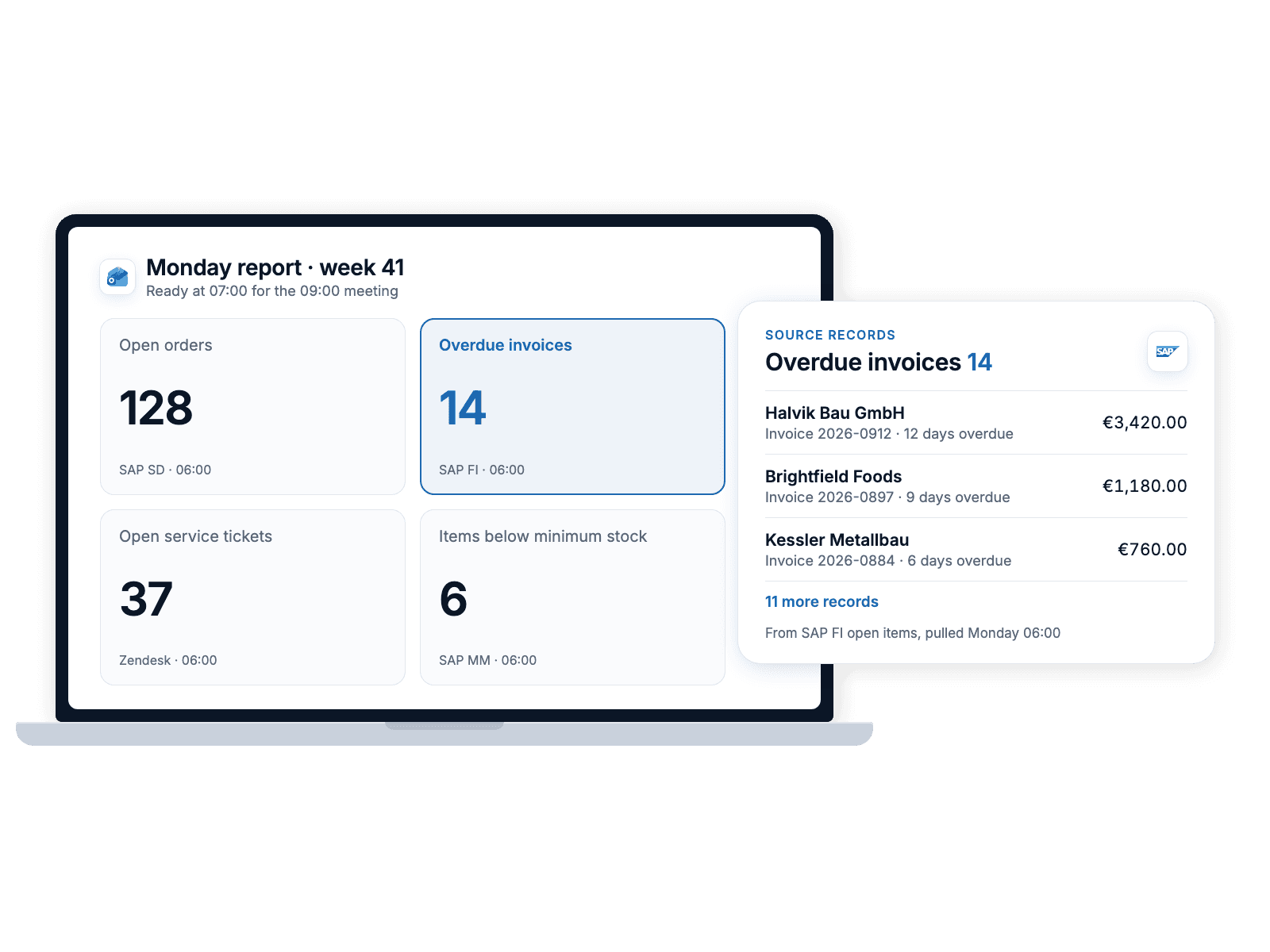
The Monday report is rebuilt by hand.

Reports build themselves from the source systems in Power BI, Looker Studio or Excel and arrive before the meeting. Every number traces back to the record it came from.

Typical systems

The report is ready before the meeting.

The Monday report open on a laptop before the meeting, with the overdue invoices figure expanded to the SAP records it came from.

Not on the list? Tell us what's manual

By industry

Where manual work piles up in your industry.

Pick yours. The problem as we hear it in the first meeting, and the automation we build for it.

Healthcare and clinics

The problem

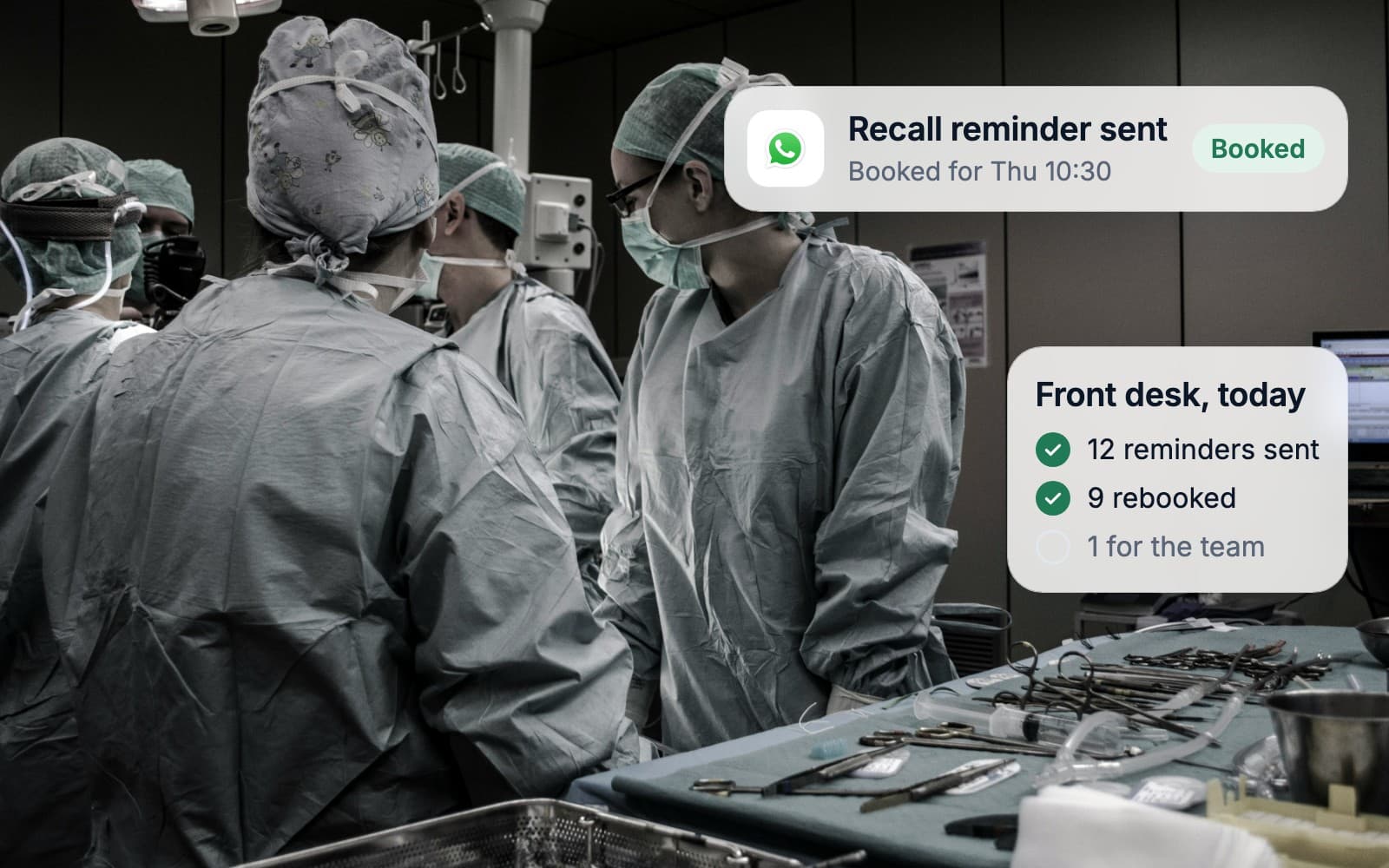
The front desk spends the morning on reminder calls and rebookings. Patient records sit in one system, invoices in another, and nobody sees which patients have quietly stopped coming back.

What we build

Reminders timed to treatment intervals, invoices that post to accounting, and a weekly list of patients due back.

Usually connects to

Talk about your industry

Every patient, every site, one view.

A surgical team at work while patient recalls and bookings run in the background

Professional services

The problem

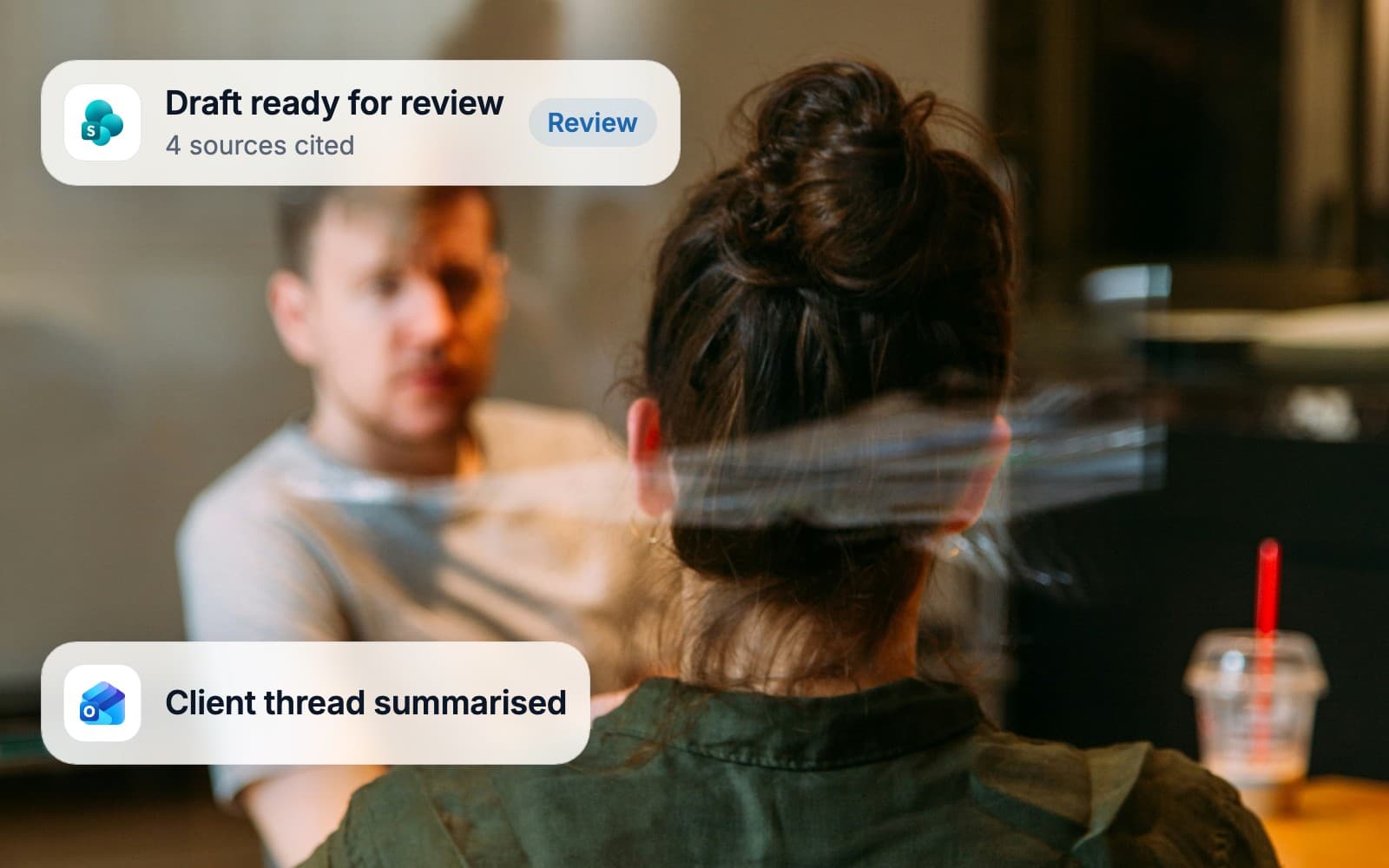
Senior people spend their evenings on time sheets, engagement letters and status reports. Knowledge lives in inboxes, so every new case starts from a blank page.

What we build

Time entries taken from calendars and mail, invoices prepared in your accounting system, client reports assembled on schedule.

Usually connects to

Talk about your industry

The firm's memory, finally searchable.

Two advisers in a meeting while a drafted document waits for partner review

Manufacturing

The problem

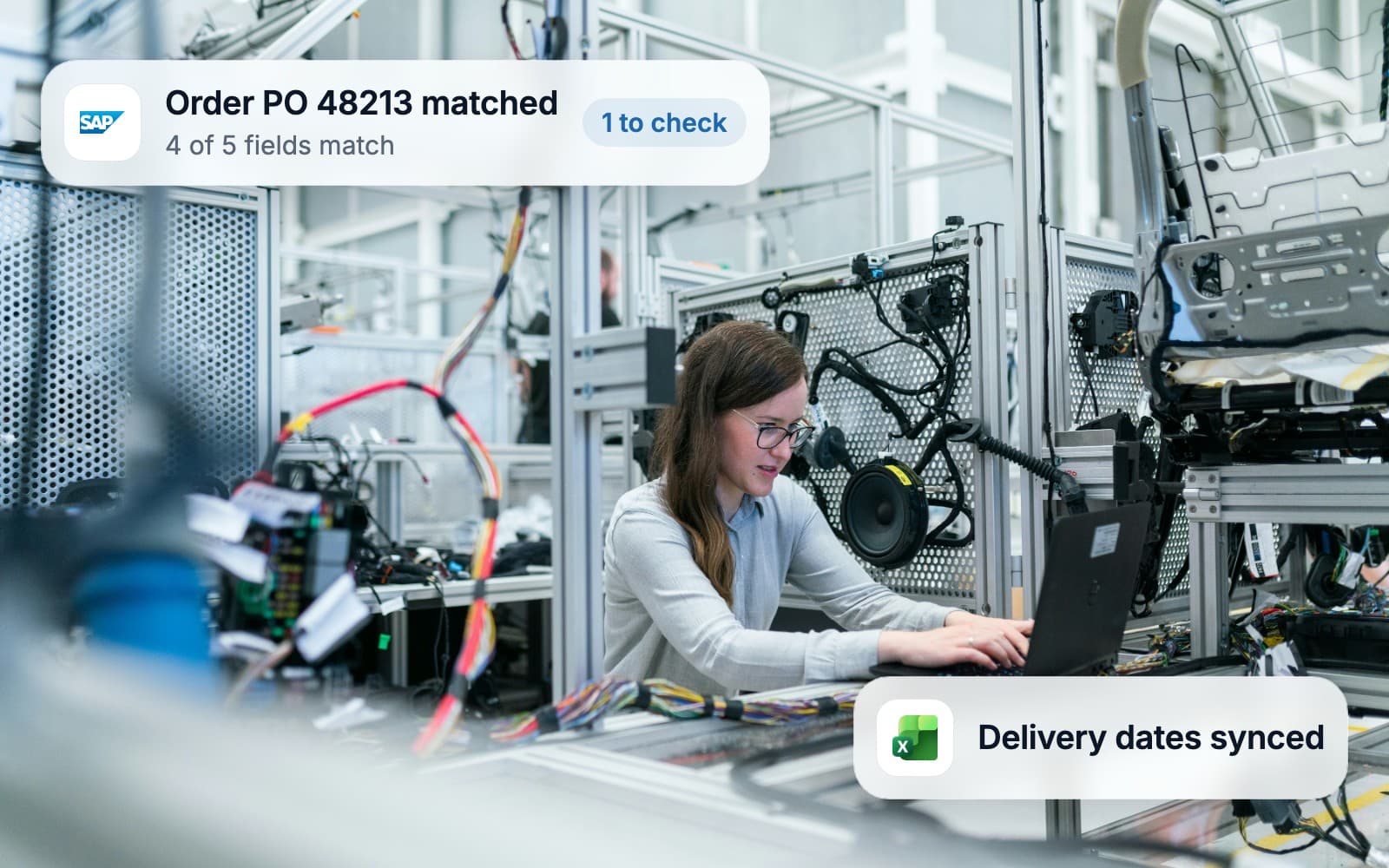
Orders arrive as PDFs and emails and get typed into SAP by hand. Planning runs on a spreadsheet that one person understands.

What we build

Purchase orders matched to invoices, planning data taken from the shop floor, supplier messages filed against the right order.

Usually connects to

Talk about your industry

Orders that reach SAP without a keyboard.

An engineer at a laptop in a robotics lab while an order is matched in SAP

Retail and e-commerce

The problem

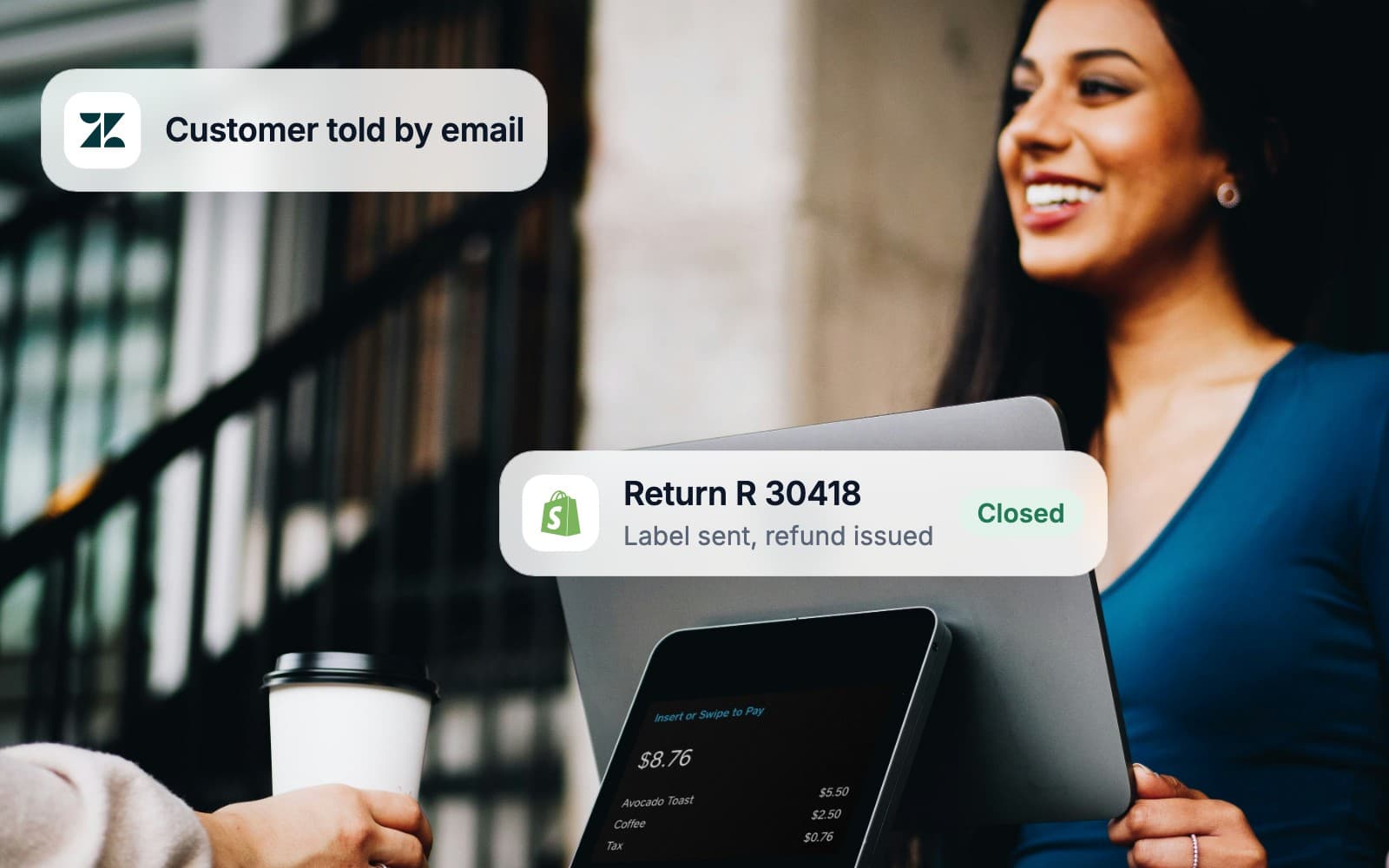
Customer service answers the same twenty questions all day. Returns are processed by hand, and by Friday the shop, the stock and the books disagree.

What we build

Returns processed end to end, stock kept in sync across channels, daily sales posted to accounting.

Usually connects to

Talk about your industry

Shop, stock and books that agree on Friday.

A shop assistant smiling at the till while a return is refunded automatically

Logistics and travel

The problem

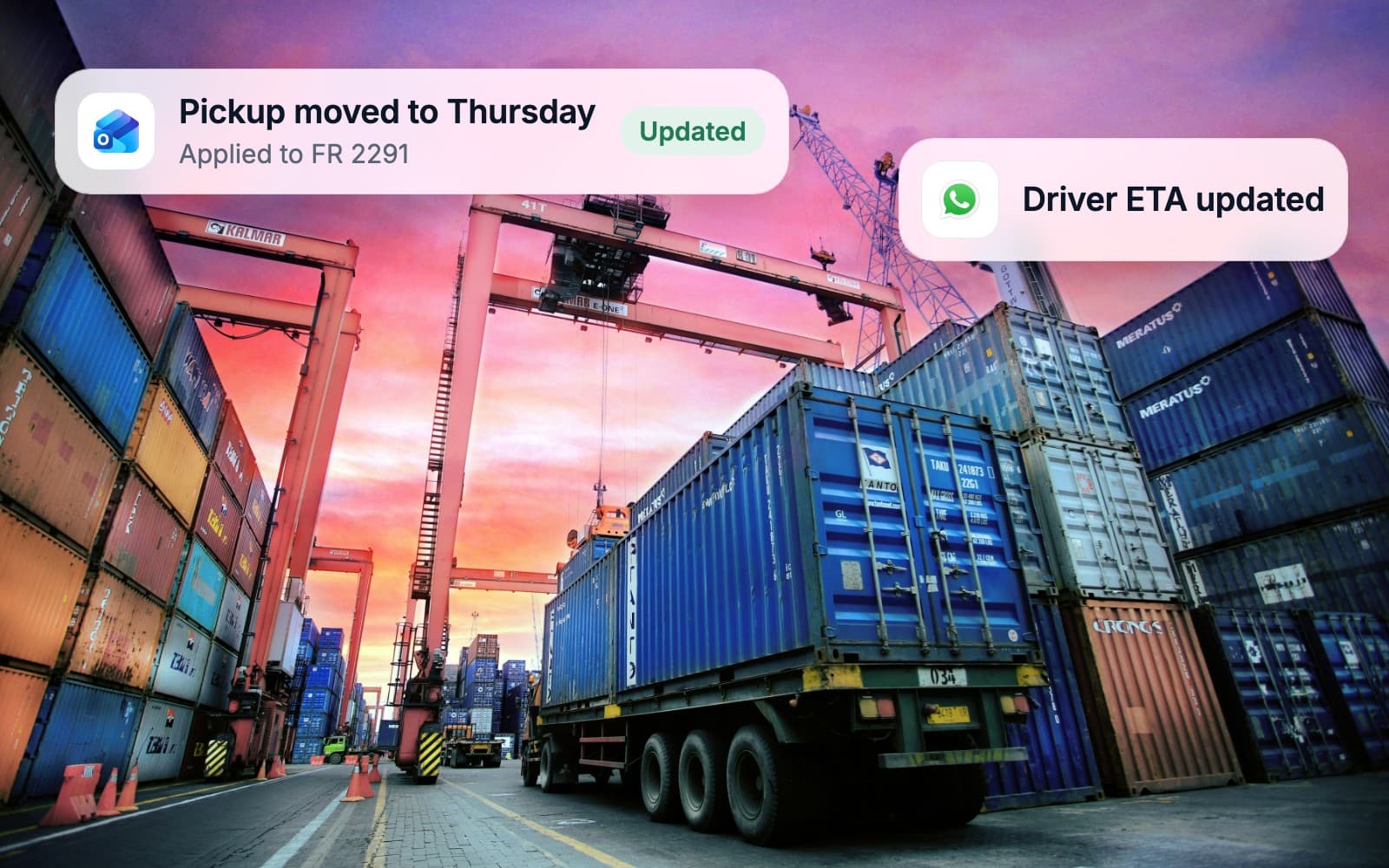
Bookings, changes and documents arrive by email at all hours. The team types them into three systems, and customers call to ask where things stand.

What we build

Booking confirmations read into your systems, documents generated and filed, status updates sent on their own.

Usually connects to

Talk about your industry

The customer knows before they ask.

A container port at sunset while booking changes flow into the system

Finance and insurance

The problem

Applications and claims arrive as documents and get checked by hand against rules everyone knows by heart. Every audit means a week of collecting evidence.

What we build

Document intake, reconciliations and reporting that record every step for the auditor.

Usually connects to

Talk about your industry

An audit trail written while the work happens.

Two colleagues reviewing a claim at a desk while the rule checks run

Software and SaaS

The problem

The roadmap is full, support tickets keep pulling engineers off it, and the internal tools are scripts nobody owns.

What we build

Onboarding, billing and CRM kept in sync, with the scripts replaced by something your team can maintain.

Usually connects to

Talk about your industry

Engineers back on the roadmap.

An engineering team at work while the support queue links to the roadmap

Made and hosted in Germany

Built in Germany. Hosted in Germany.

Your data stays in German data centres run by ISO/IEC 27001 certified partners, under the GDPR. We design, build and support everything from Düsseldorf.

  • Made in GermanyEngineered in Düsseldorf
  • Hosted in GermanyGerman data centres, EU law
  • GDPR compliantA processing agreement with every client
  • ISO/IEC 27001Certified hosting and security partners
Who this isn't for.

We'd rather turn a project down than build something that won't pay for itself.

  • Teams under about 50 people.

    At that size a well-configured off-the-shelf tool usually beats custom automation. We'll tell you which one.

  • A process that changes every month.

    Automation pays off on work that repeats. If the process is still being invented, settle it on paper first.

  • Replacing your ERP.

    We connect and automate around the systems you have. If the ERP itself is the problem, you need a selection and rollout partner, and we'll say so.

  • Nobody on your side owns the process.

    Every automation needs a named owner who answers questions within days and signs off the result. Without one, it stalls, whoever builds it.

  • Build it and forget it.

    The systems around an automation keep changing, with vendor updates and new fields. Either we run it or your team does, with our handover. Someone always owns it.

Tell us what's manual.
We'll tell you what it costs to stop.

From the first call to a system in production.

The people you meet in the audit are the people who build and run it.

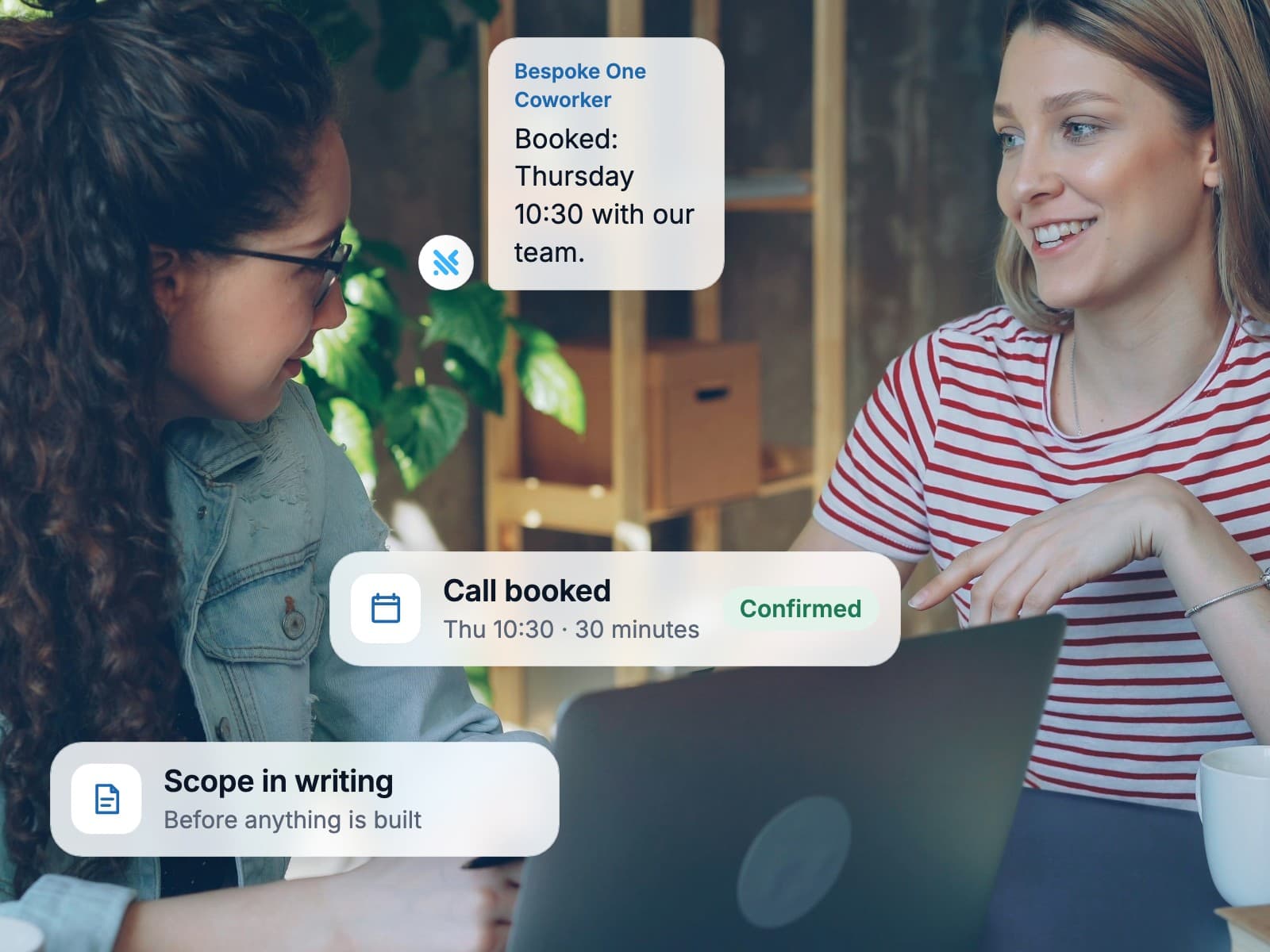
Two colleagues smiling at a laptop after booking a call
  • Free AI audit

    Find out where agents pay off.

    Six short steps, about four minutes. You get a readiness score and the three agents worth building first.

    Start the free audit
  • Estimate

    See what your project costs.

    Pick a service, answer a few questions and get an indicative range with timeline and team.

    Get an estimate